Think in folds.
A native notes app for Mac and iOS. Fold sections to focus on what matters. Manage tasks inline. Sync everything with iCloud.

iPhone & iPad: out now, free on the App Store.
Mac: out now, free for 7 days. Download for Mac →

Everything you need, nothing you don't.
Folding
Collapse any heading or indented block. See your document's structure at a glance, then dive into the section you need.
Inline Tasks
Tasks live inside your notes, not in a separate app. Add due dates, priorities, and track progress with the task circle.
Neat Tables & Code Highlighting
A table draws as a neat grid right in your note, and the file still holds a plain Markdown table: change its cells in the table editor. Name a code block’s language and its code is coloured as you type, in 28 languages.
Interactive Whiteboards
Lay your notes out on a canvas to plot a book, map a project or think something through. Every card is the note itself, with its pictures and tasks: fold it, scroll it, jump to a section or open it. Connect cards with labelled arrows, add text boxes, shapes and frames, and lead from one board to the next. Make a board on the Mac, then work on it on your iPad or look around it on your iPhone.
See how it works →Hide or Show Markdown
It’s now your choice. Markdown’s marks step aside as you write, so a note reads like the finished page: headings, bold, links and quotes show as they look, and a task is a square you tick. Put your cursor on something and its marks come back, right there and nowhere else. Every mark stays in the file. Rather see them all? One switch brings them back.
See how it works →Task Board macOS
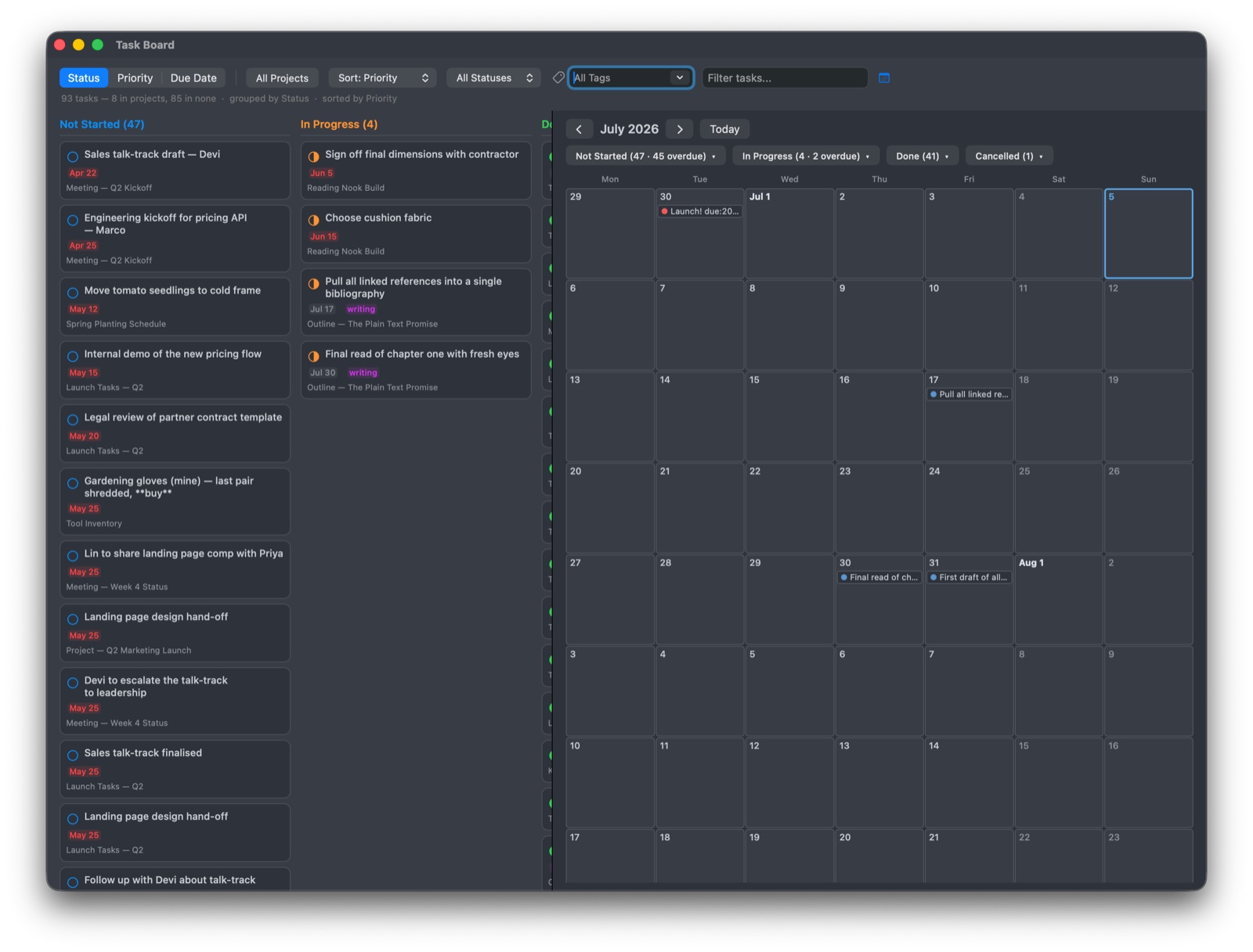
Every task from every note on one board. Group by status, priority, due date or project, drag tasks between columns, and see them on a calendar.
iCloud Sync
Plain markdown files in iCloud Drive. Edit on Mac, pick up on iPhone. Your notes are yours — no proprietary format, no lock-in.
Tags & Backlinks
Organise with inline #tags. Link between notes with [[backlinks]]. Build a personal knowledge graph without leaving your editor.
Gallery View macOS
See your notes as visual cards in a waterfall layout. Filter, sort, and group to find what you need fast.
Focus Modes
Typewriter scrolling, paragraph focus, sentence focus, and parts-of-speech highlighting. Distraction-free writing built in.
The boat leaves at nine. It is the only one that day. We will have to be at the pier by half past eight Pack the night before.
Bike Outlines
Edit your Bike outlines in place — every attribute goes back untouched — with links both ways, every row in one table, and your Bike folder on iPhone and iPad.
Properties, Reimagined macOS
Status and status, Priority and Priorty, a property made for one note and never used again. In FoldNotes a property is defined once and picked from a list, so the mess doesn't start. When a note is edited somewhere else, FoldNotes shows you what no longer fits, and you reach in and fix it from one place.
See how it works →See it in action
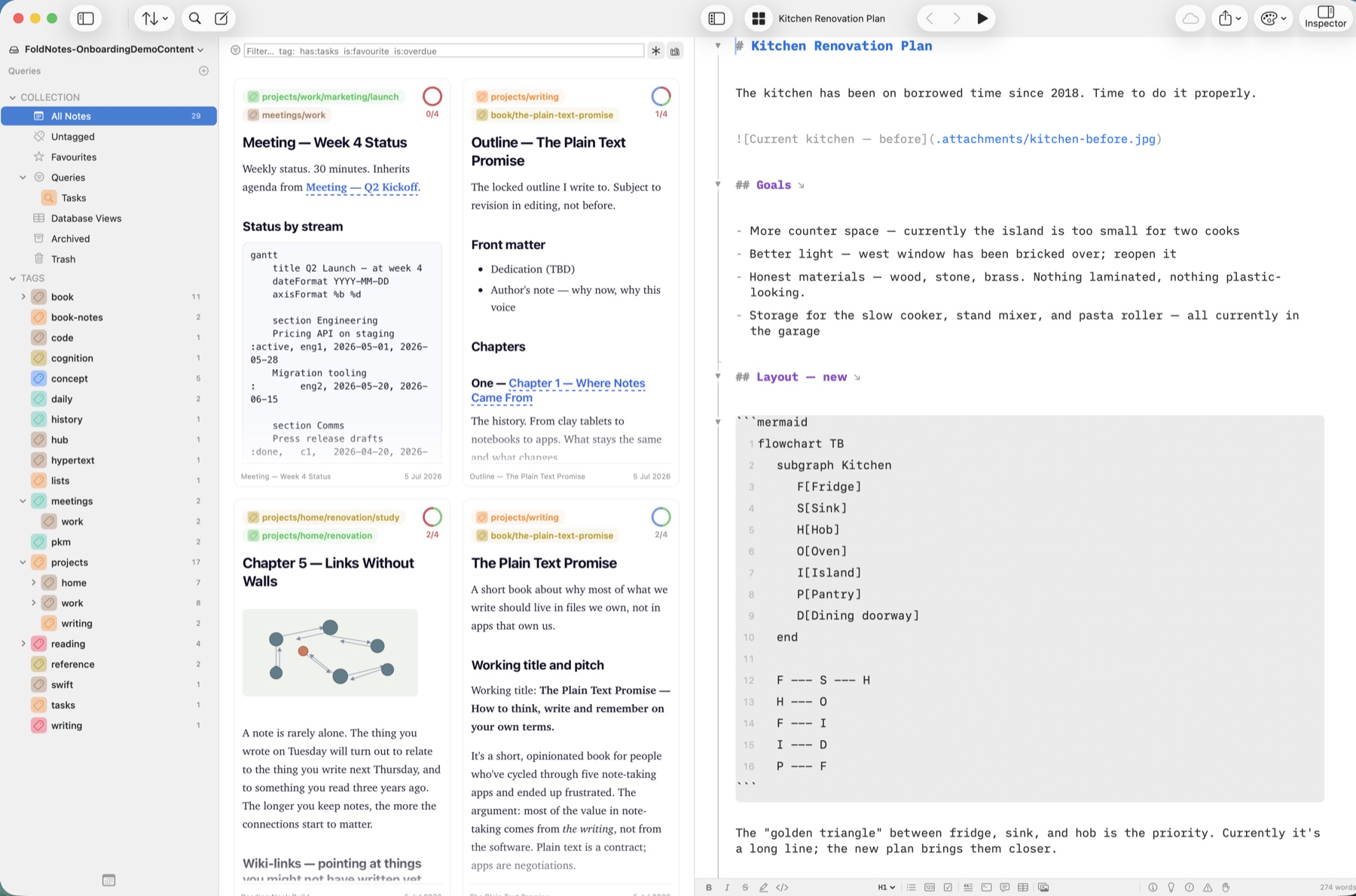
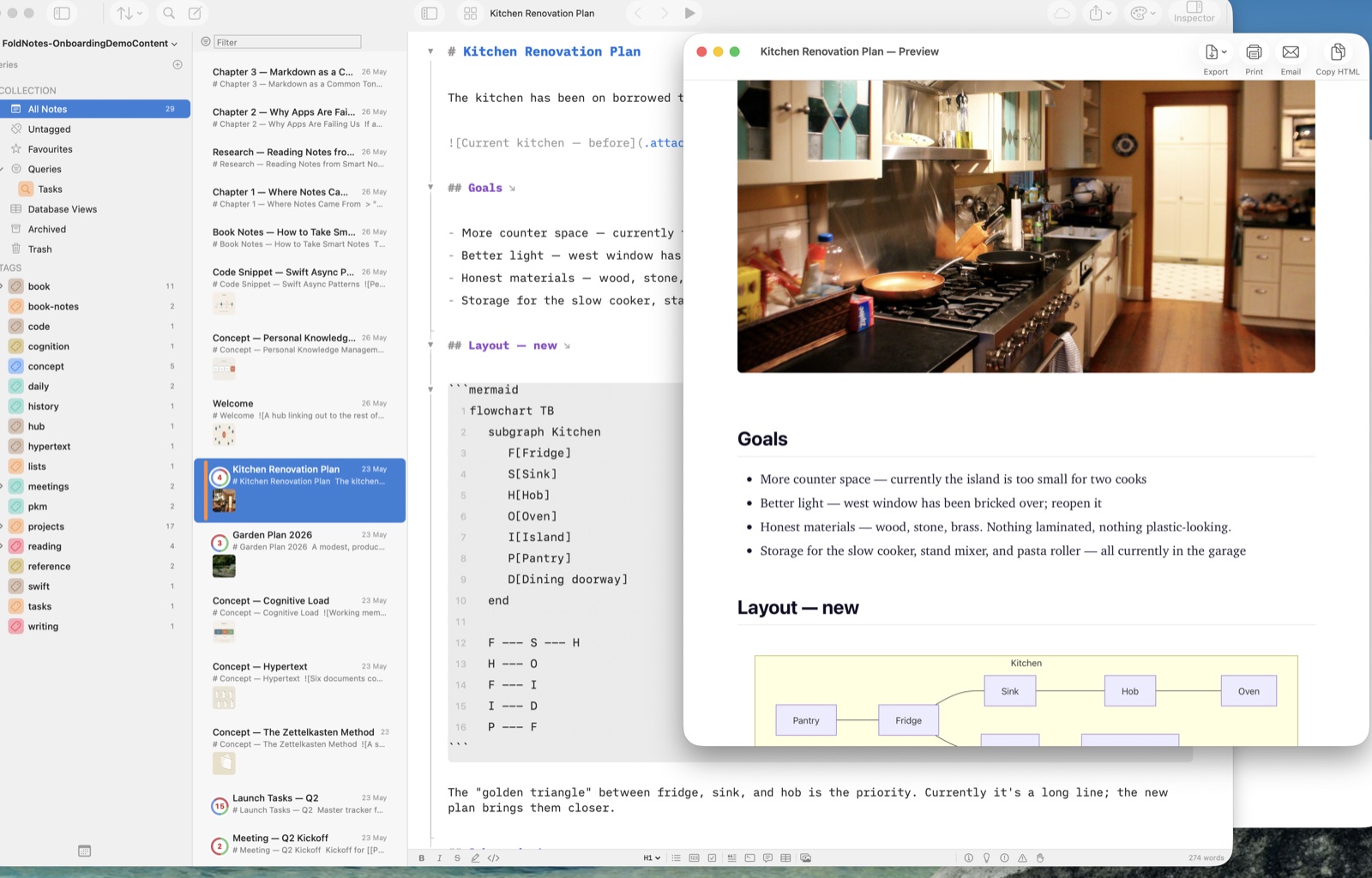
A fast, native Mac app — folding, tasks, tags, and live preview, all in one window.
Out now on Mac, iPhone & iPad.
FoldNotes for iPhone and iPad is free on the App Store. FoldNotes for Mac is free to try for 7 days, then US$35 a year or US$95 once for life.