FoldNotes, Made for iPhone Duo
FoldNotes is built around folding: headings fold away so you can see the shape of what you’re writing, and open again when you need the detail. The iPhone Duo folds too, and FoldNotes makes the most of every way you hold it.
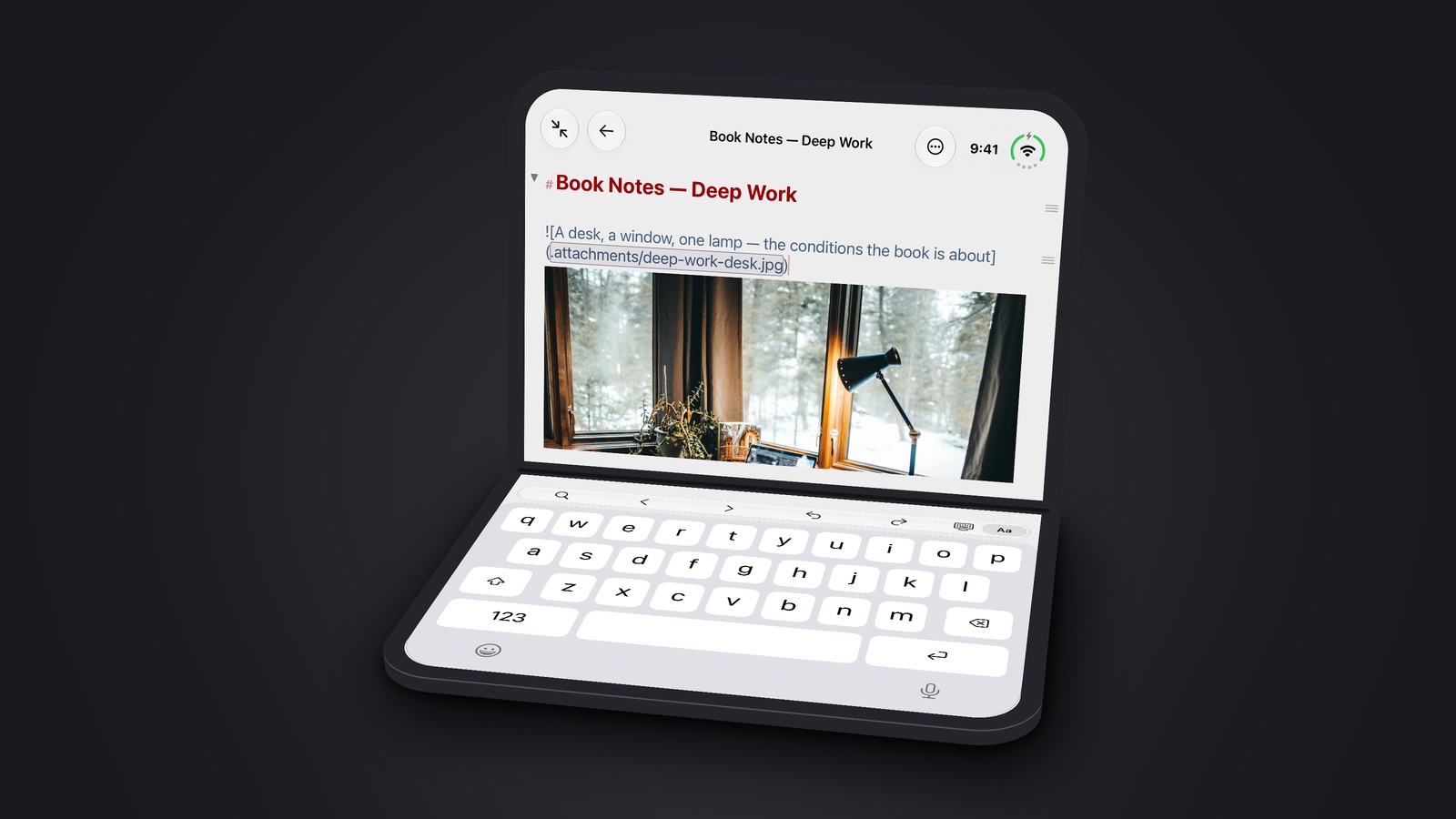
Stand it up and write
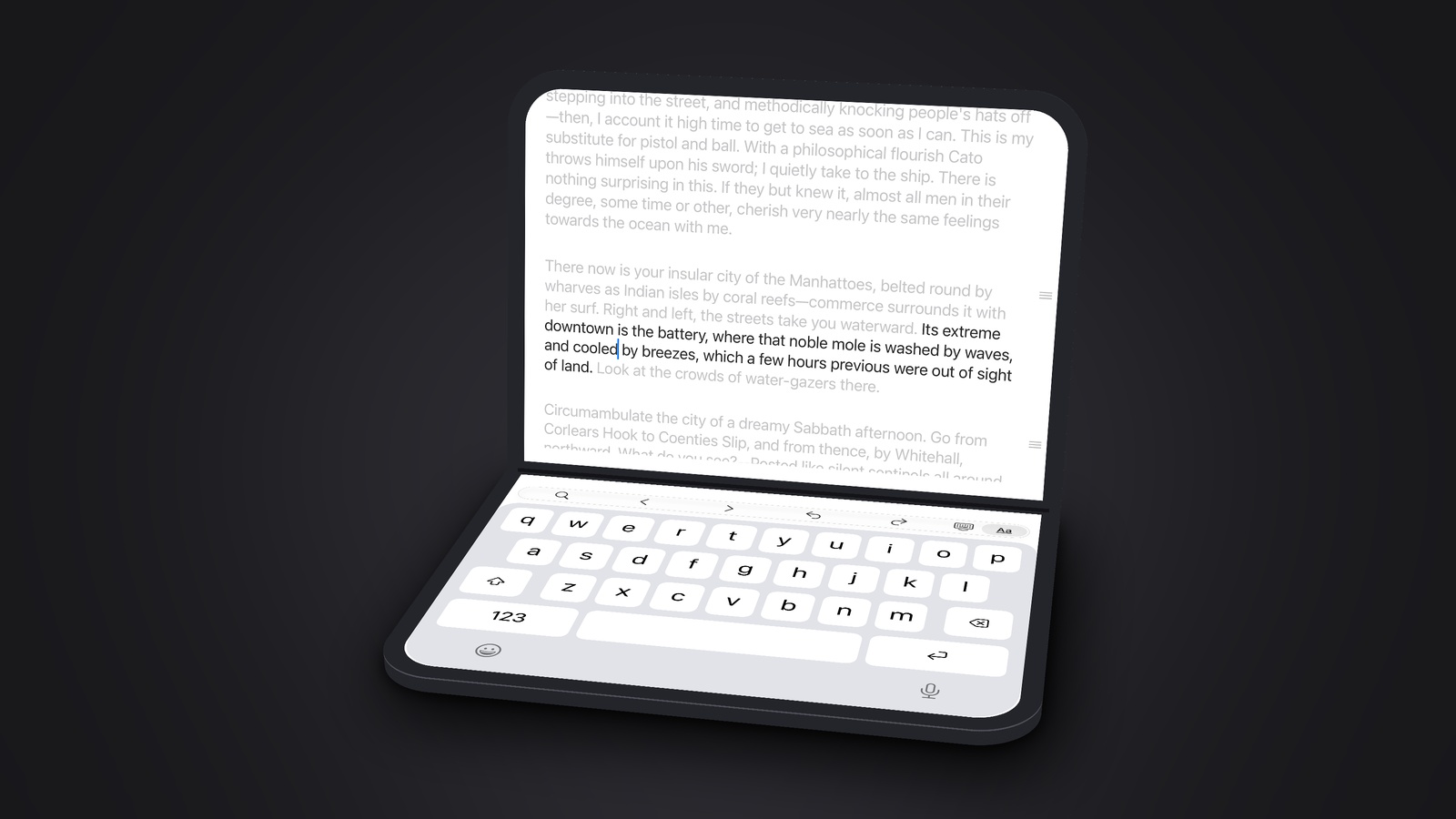
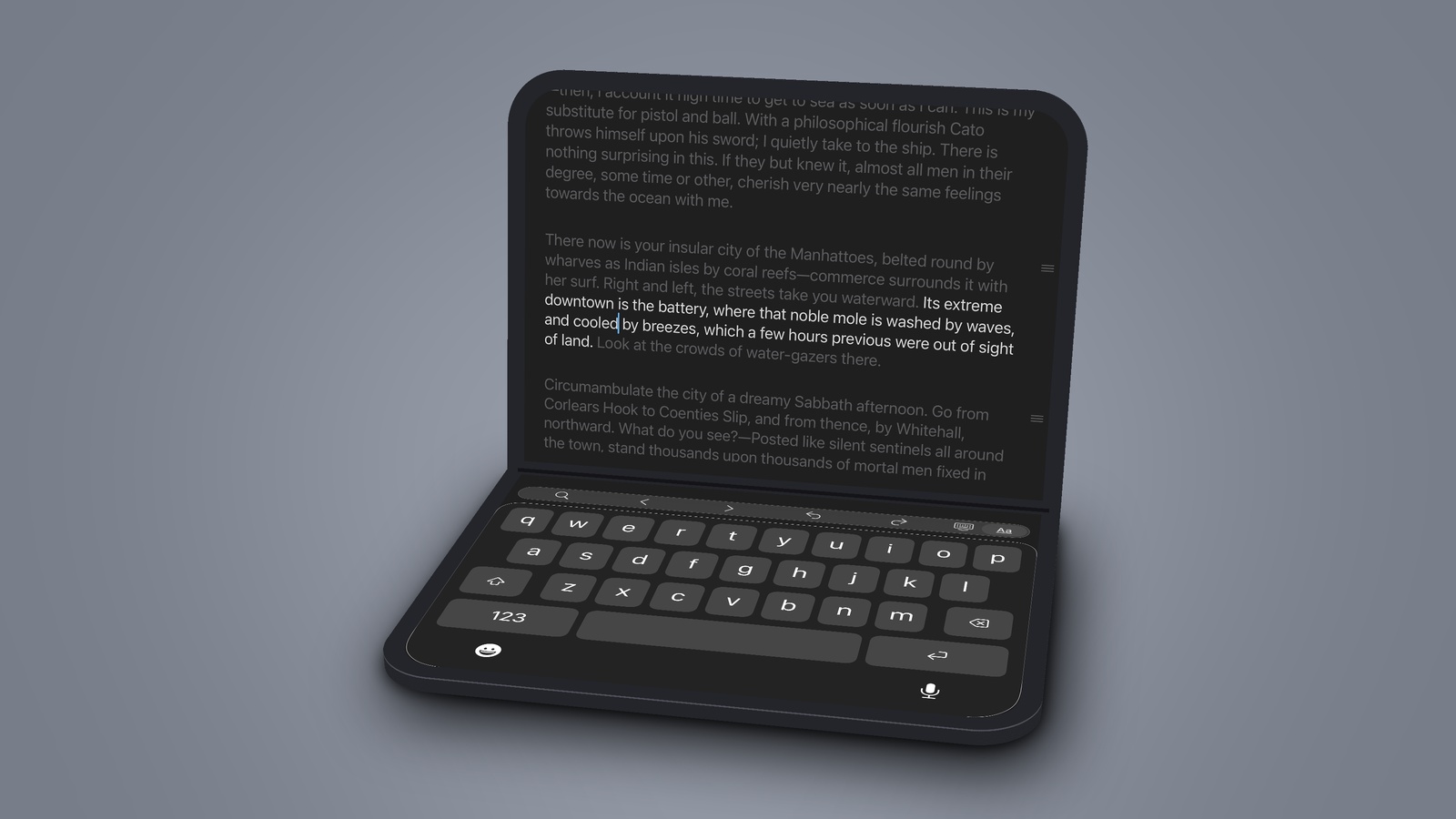
Fold the Duo part way and stand it up like a small laptop. Your note stays on the top half, and everything else goes below the fold, where your hands are.
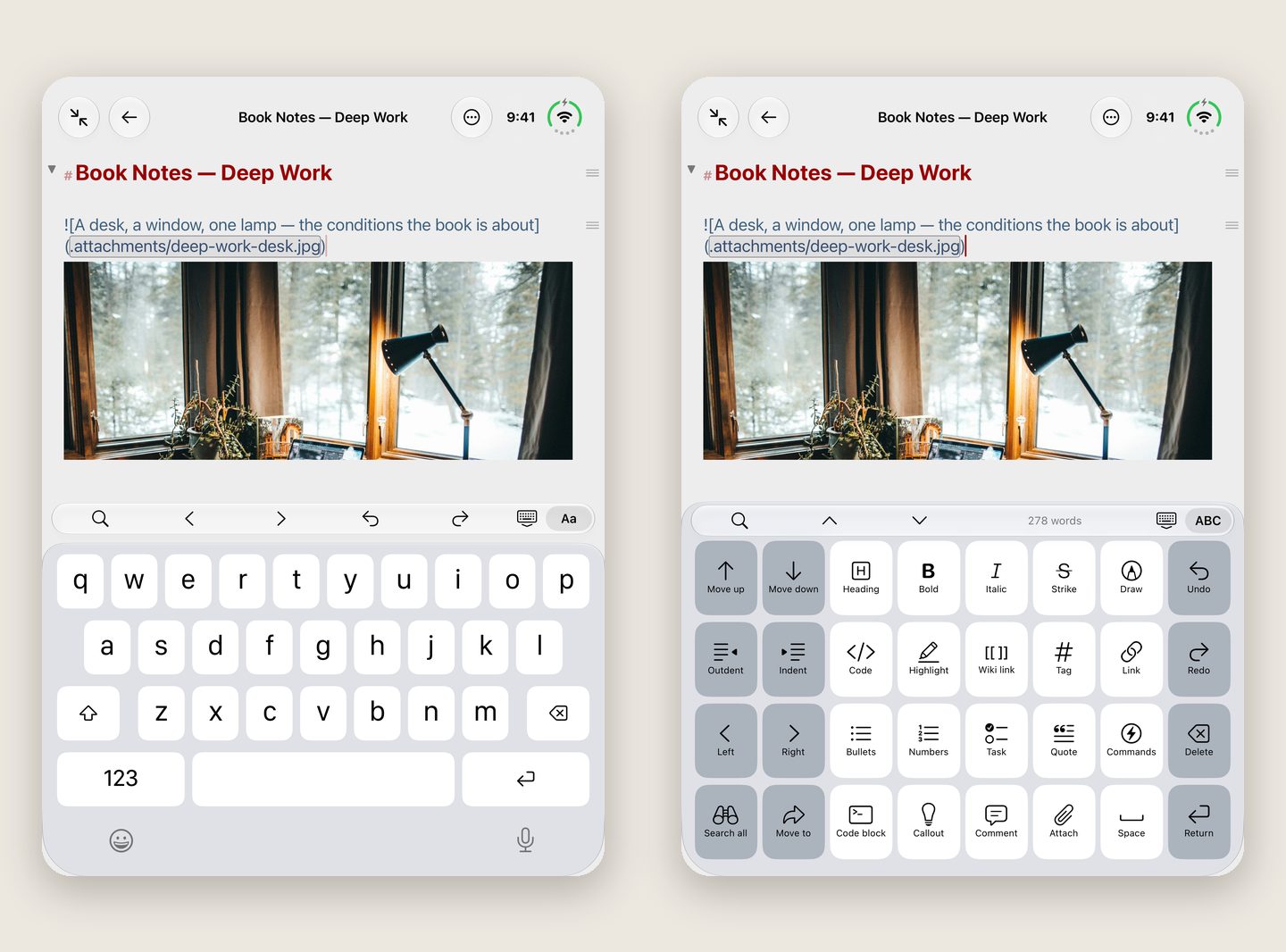
- A typing bar sits just above the keys, with Find, the arrow keys, and Undo and Redo.
- Tap Aa and the letter keys make way for the formatting panel: keys to move and indent rows, search all your notes, and add headings, lists, tasks and links.
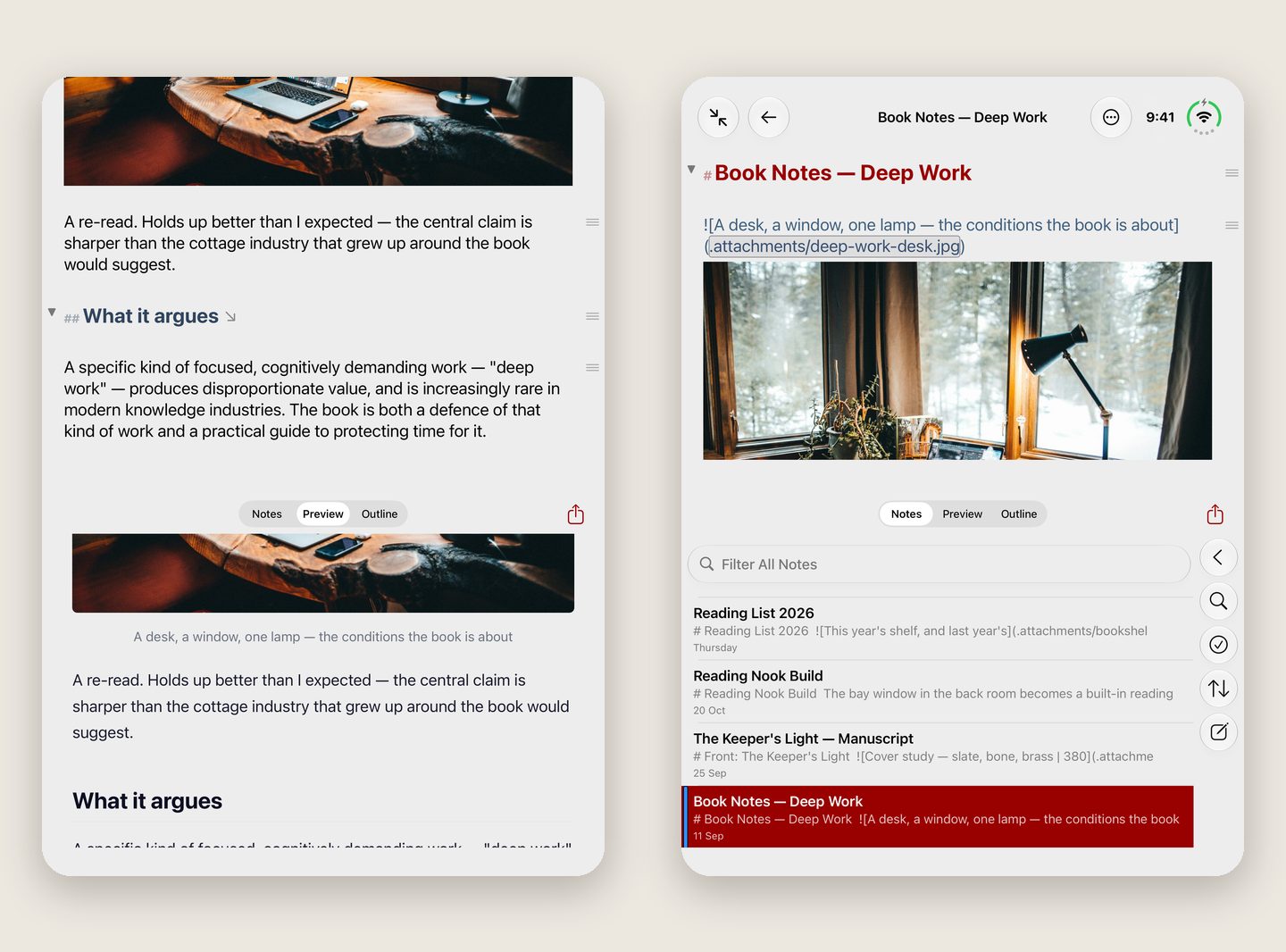
- Below the fold you can also keep your note list, the live Preview or the note’s Outline, and the Inspector slides in from the side when you want it.
A calmer page
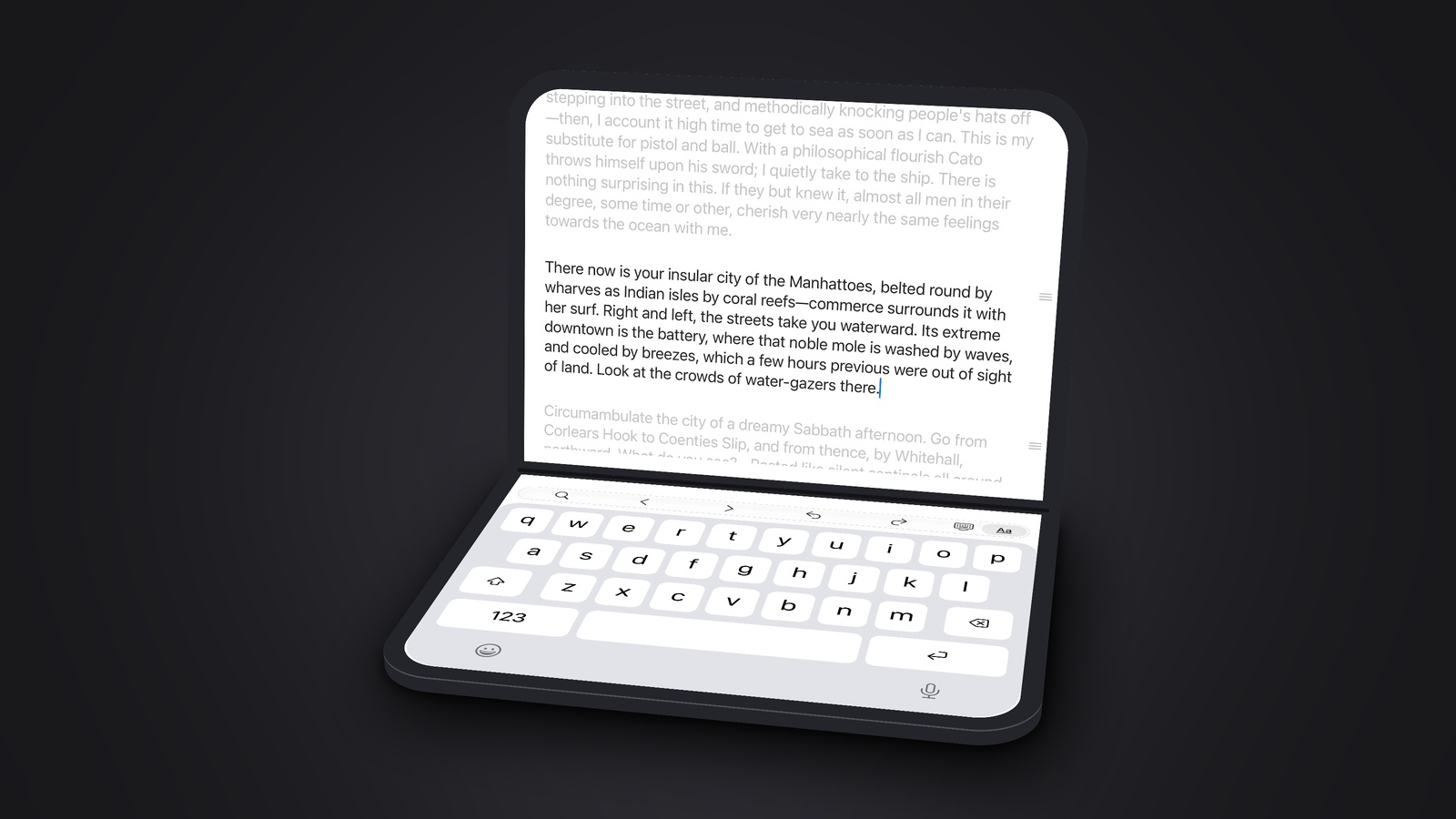
Scroll, and the bars slide away to leave the top half to your writing. Turn on Paragraph Focus and the paragraph you are writing stays clear while the rest fades back. Sentence Focus narrows it to the sentence.
Open it flat
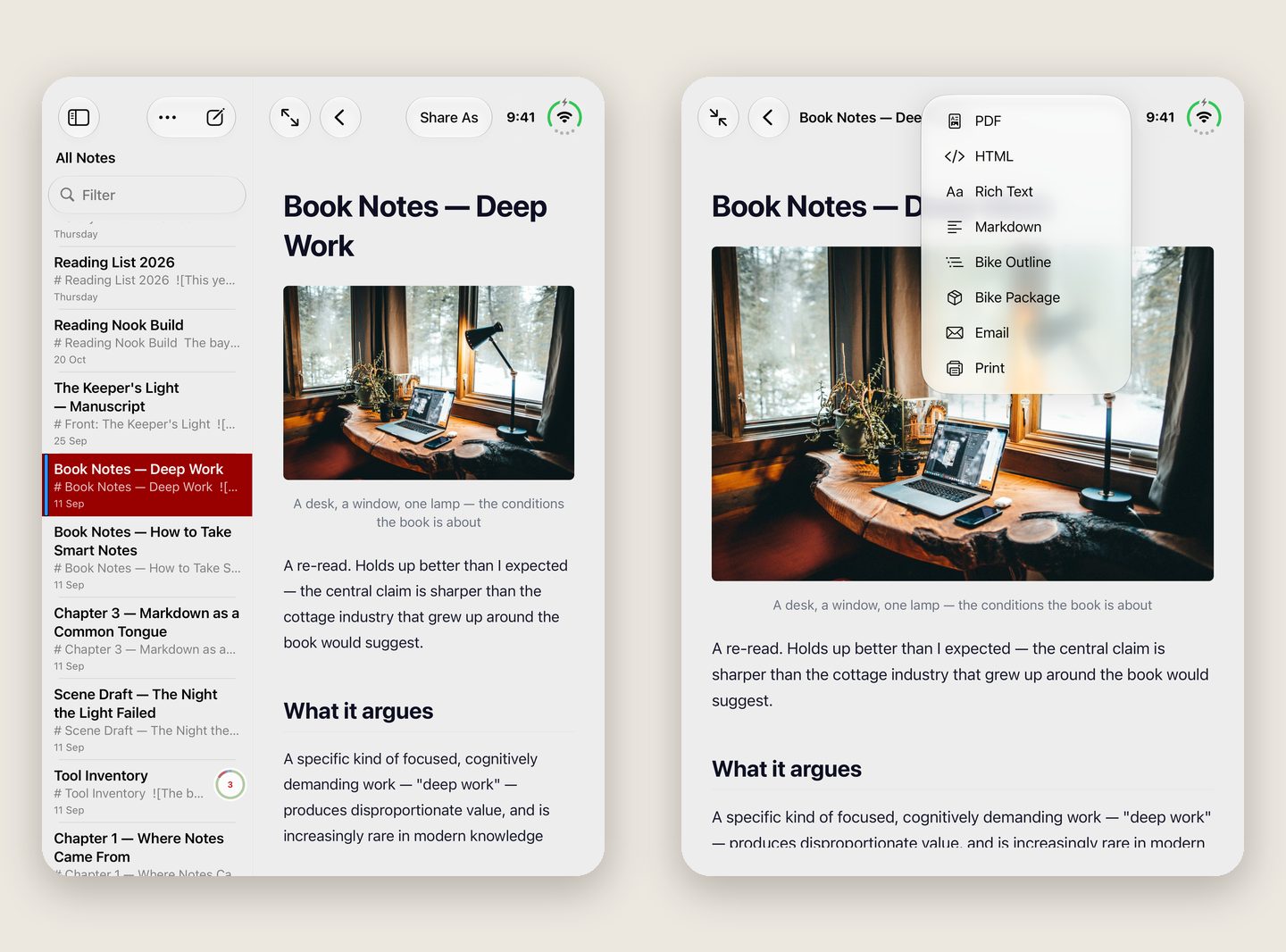
Open the Duo flat and the note list sits beside your note, as on an iPad. Turn it on its side and tap the book, and your note opens like a book, facing its live Preview or its Outline across the fold.
Closed, it’s an iPhone
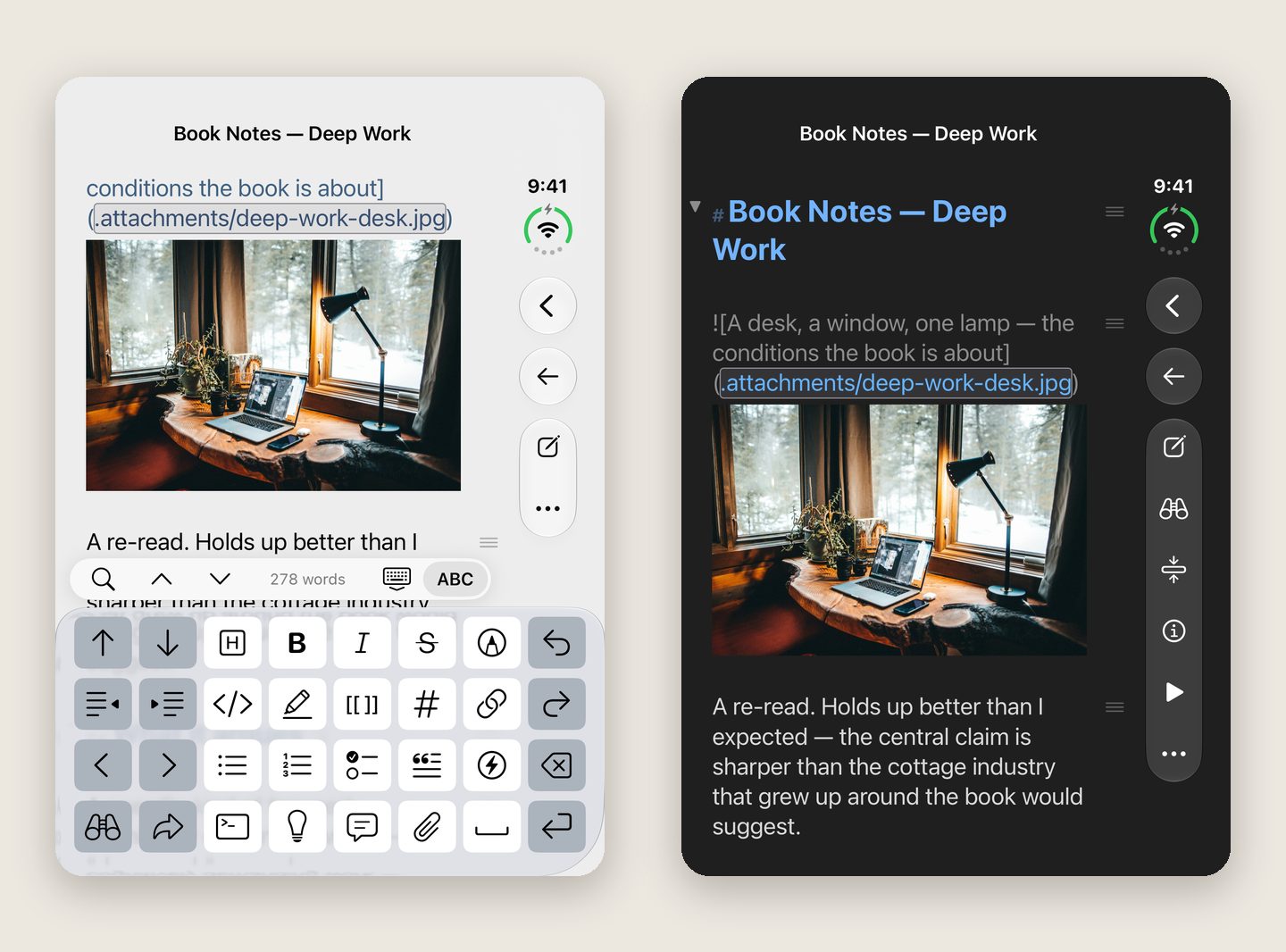
On the front screen, FoldNotes works as it does on any iPhone, with its buttons in a side bar and the same formatting panel.
Every note is still a plain Markdown file in your own folder, kept in step with your Mac and iPad through iCloud.
FoldNotes for iPhone and iPad is free on the App Store.
