Everything you need, nothing you don't.
FoldNotes is a markdown notes app built for people who think in structure. Native on Mac and iOS, plain text on disk, and packed with features that serious note-takers actually use.
.md files in iCloud Drive. Open them in any editor.fn command-line interface for scripting, search, task management, and automation. macOSFoldNotes is a markdown notes app built for people who think in structure. It runs natively on Mac and iOS, stores everything as plain .md files in iCloud Drive, and has a set of features designed for writers, developers, and anyone who takes notes seriously.
Folding
The core feature. Any heading or indented block can be collapsed with a single click. Fold an entire section to focus on what you’re working on, or fold everything to see your document’s outline.
- Headings at any level (H1 through H5) fold their contents
- Indented lists, tasks, and block quotes fold by nesting level
- Code blocks fold as a unit
- Fold state is saved per document and restored when you reopen
Inline Tasks
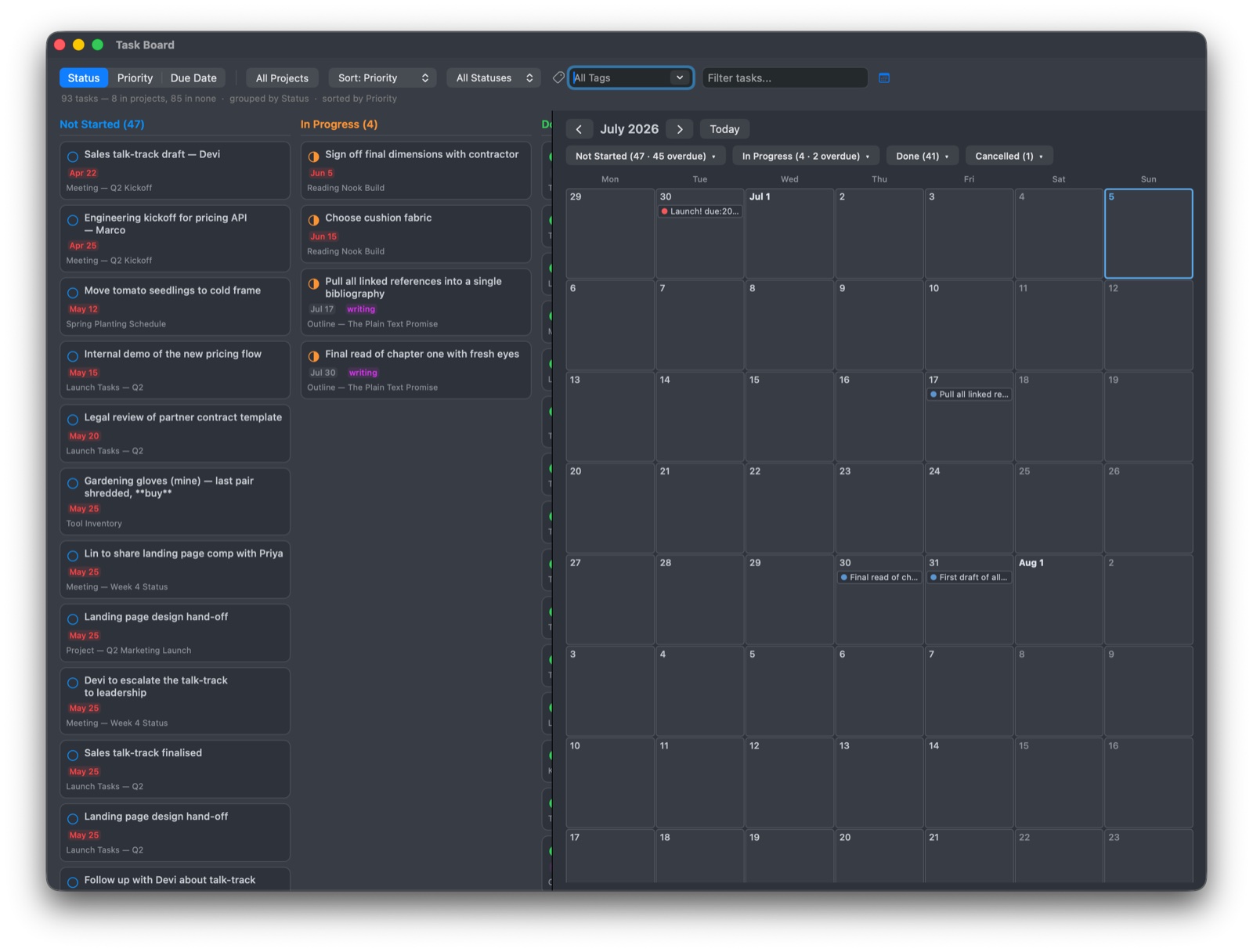
Tasks aren’t a separate system — they live right in your notes.
- Four states: not started
[ ], in progress[/], done[x], cancelled[-] - Add metadata inline:
due:2026-05-01,priority:high - Task circle in the note list shows progress at a glance
- Inspector panel groups tasks by status, priority, or due date
- Each task has a stable UUID for deep linking
Manual Sort
Sort your notes by hand and the order sticks per tag. Switch to #novel/manuscript and chapters appear in narrative order. Switch to #novel/research and your source material appears in its own arrangement.
- Drag-to-reorder works on Mac, iPad, and iPhone
- Applies to one tag at a time — a specific tag like
#novel/manuscript, not a parent tag that combines several sub-tags - Each tag remembers its own order independently
- Saved to front matter and synced via iCloud — your arrangement appears on every device
- Daily notes are excluded automatically
- Doesn’t apply to All Notes or rule-driven views (saved searches, Favourites, Untagged) — those are derived lists, not curated ones
For writers, this turns the note list into a scene list. For PKM and research, it lets you arrange notes by relevance to the current thread of thought.
Regex Search macOS & iPad
Toggle the global search field into regular-expression mode and run patterns directly against every note’s body. Compile errors are flagged inline; the result list updates live.
- Saved-pattern library — name your hard-won regexes and reload them with one click
- The library syncs across devices via iCloud
- Search-scope only (no replace) — by design, so a one-character mistake can’t propagate
- Useful examples ship in the docs: missing-priority tasks, empty headings, embedded URLs, TODO/FIXME markers
iPhone keeps the simpler Spotlight-style search — regex typing on a soft keyboard isn’t where you want to live.
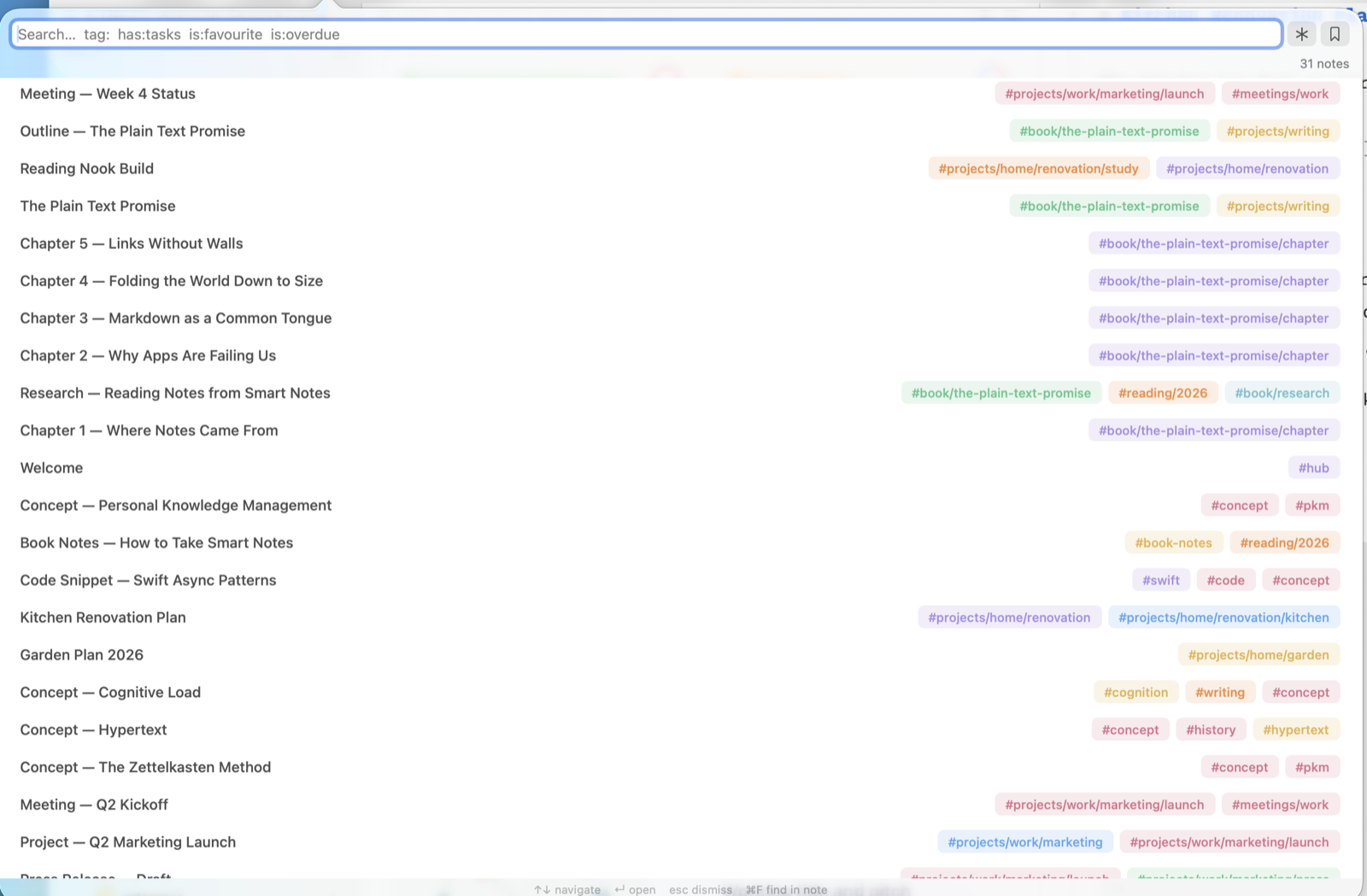
tag:, has:tasks, is:favourite, is:overdue — or switch to live regex.iCloud Sync
Your notes are plain markdown files stored in iCloud Drive. No proprietary database, no vendor lock-in.
- Create and edit on Mac, pick up where you left off on iPhone or iPad
- Files are readable by any text editor
- Front matter stores metadata (tags, task IDs) without polluting the document
Tags and Backlinks
- Inline
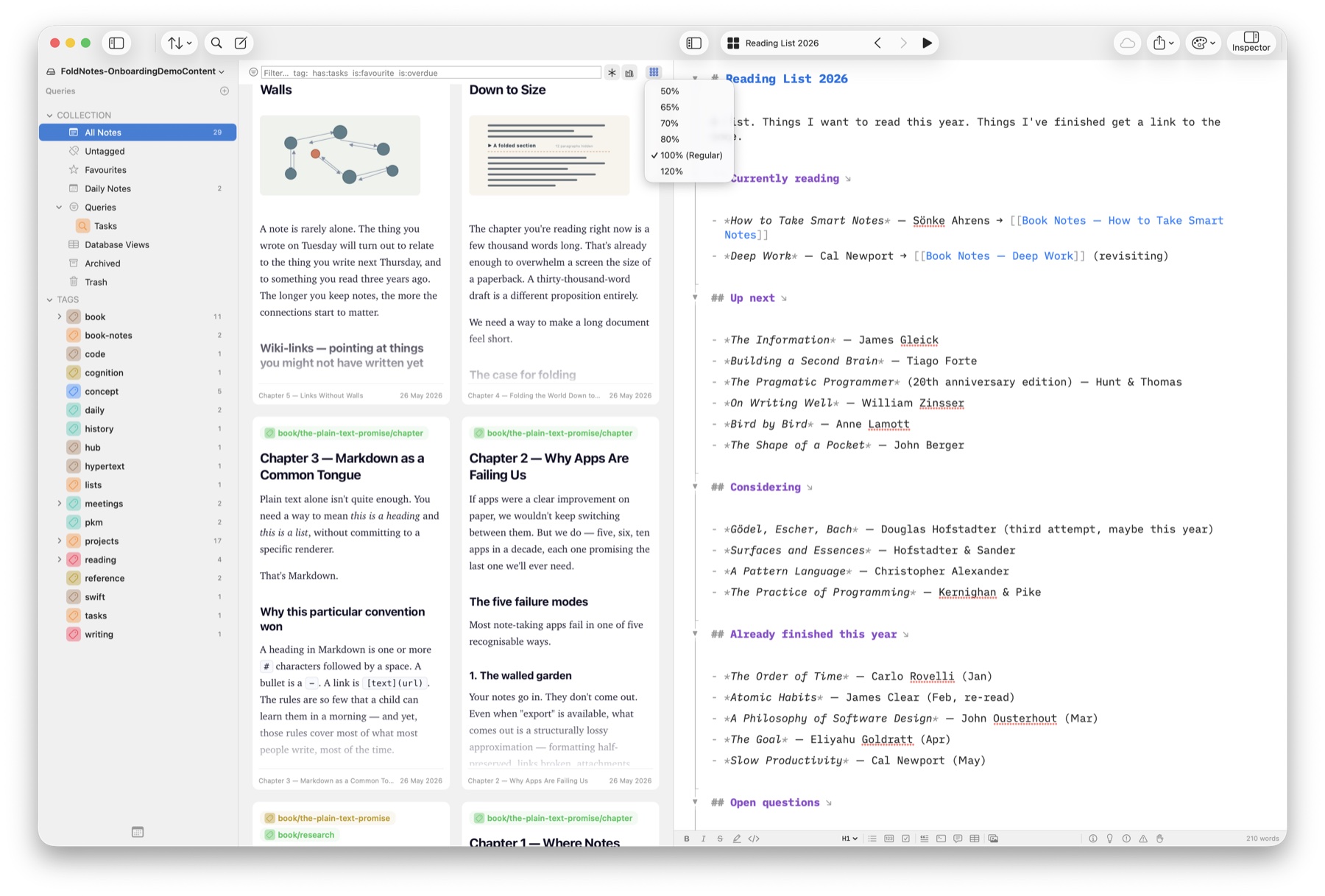
#tagsanywhere in your text — the sidebar collects them automatically - Customise tags with icons and colours
[[Backlinks]]connect notes to each other- A references panel shows every note that links to the current one
Gallery View (macOS)
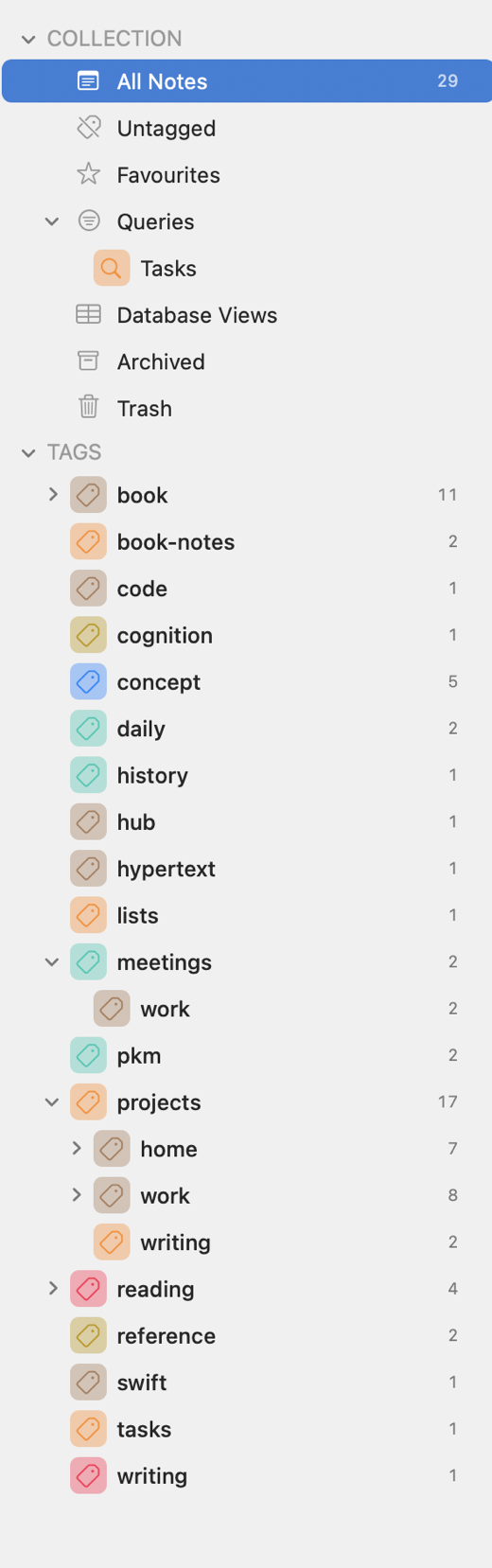
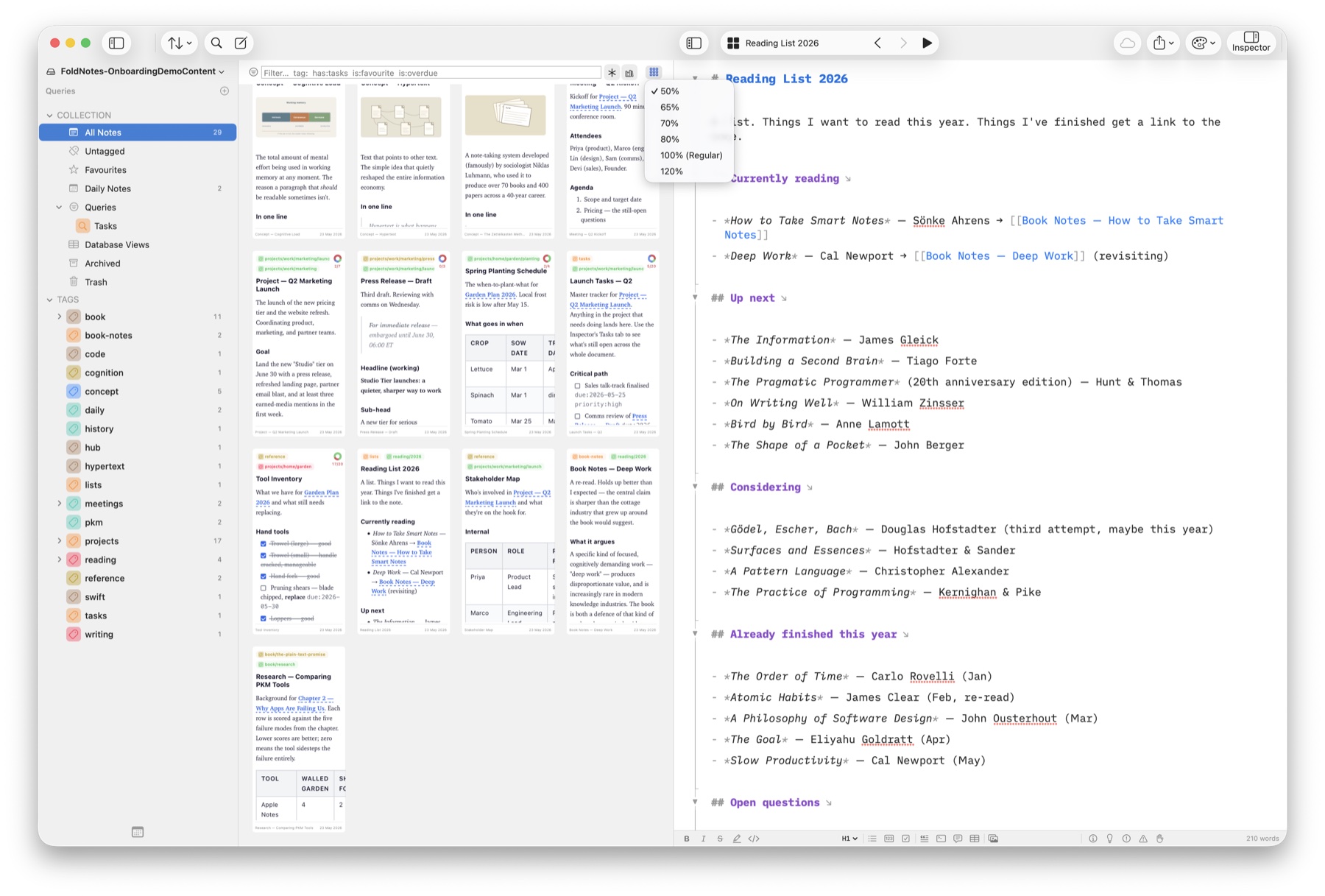
See your notes as visual cards in a waterfall layout.
- Filter by favourites, open tasks, recent changes, tags, or custom queries
- Sort by date modified, date created, title, or due date
- Group by tag
- Scale the cards from 50% to 120% — everything on the card scales together, so 50% packs the most notes on screen for a birds-eye sweep, while 120% gives large, easy-reading previews. Combine with the pane width (columns) to dial in exactly the density you want
- Click a card to open it alongside the gallery
Focus Modes
Strip away distractions and focus on your writing.
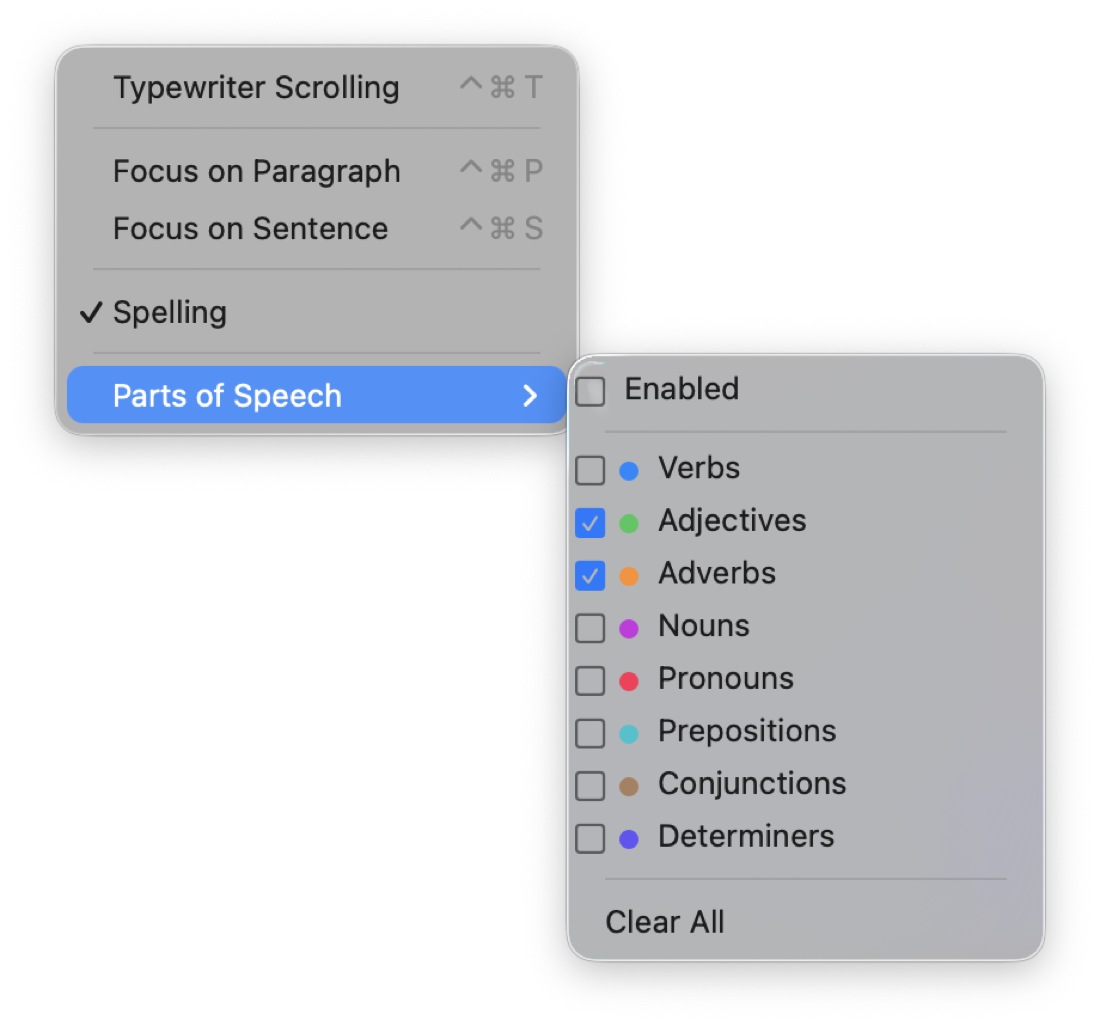
- Typewriter scrolling — keeps the cursor centred on screen
- Paragraph focus — dims everything except the current paragraph
- Sentence focus — dims everything except the current sentence
- Parts of speech — highlights nouns, verbs, adjectives, and adverbs in different colours
Daily Notes
One-tap daily note creation. Each day gets its own file in the .daily/ folder with a calendar in the sidebar for quick navigation.
Database Views
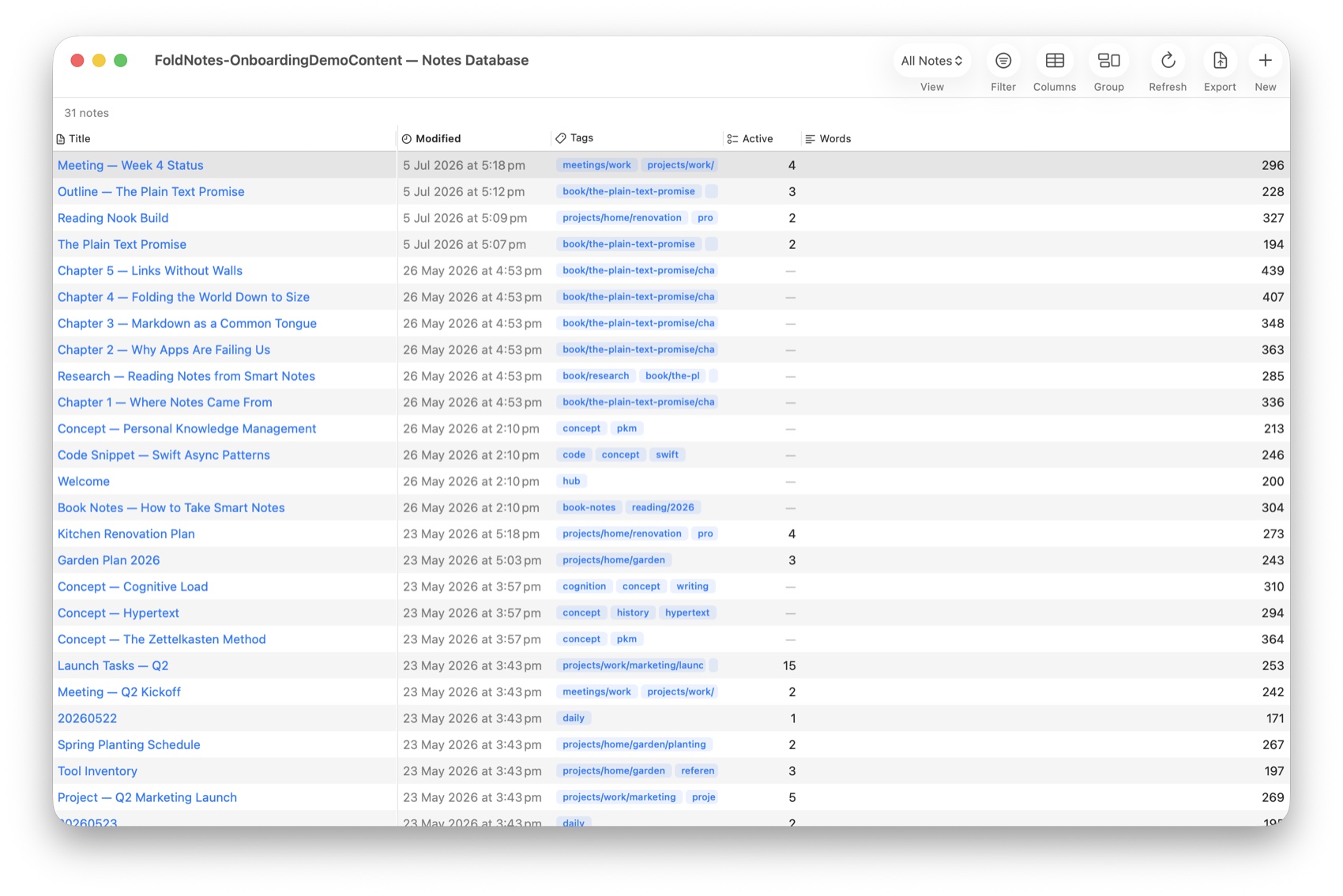
Query your notes like a database. Build custom views with filters, sorting, computed columns, and grouping — all driven by your notes’ metadata.
Bike Outlines
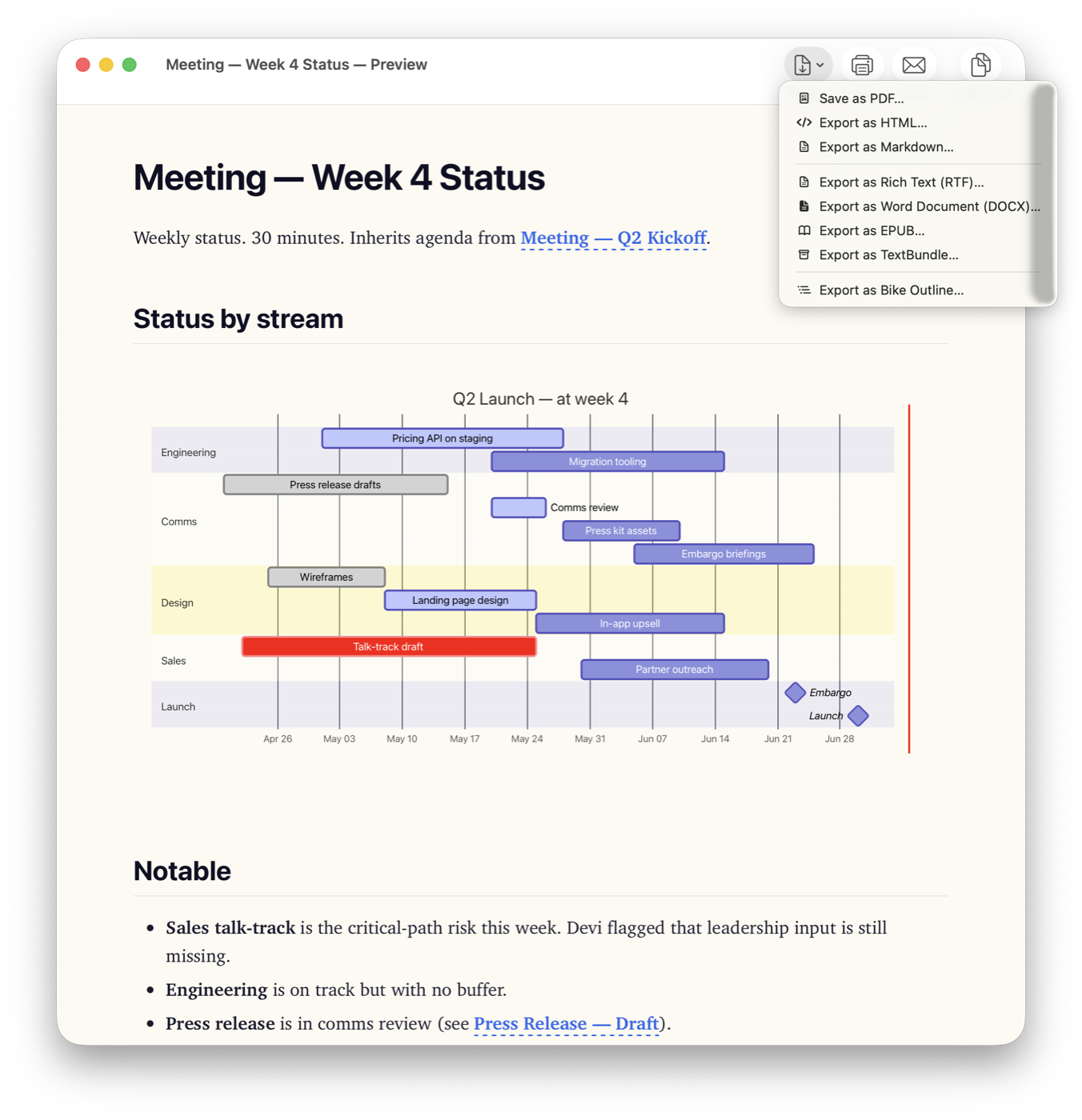
Bike is an excellent Mac outliner, and its .bike files are readable HTML — an open format. FoldNotes edits those files directly, with no conversion and no import: point it at your Bike folder and every outline is there, on Mac, iPhone and iPad.
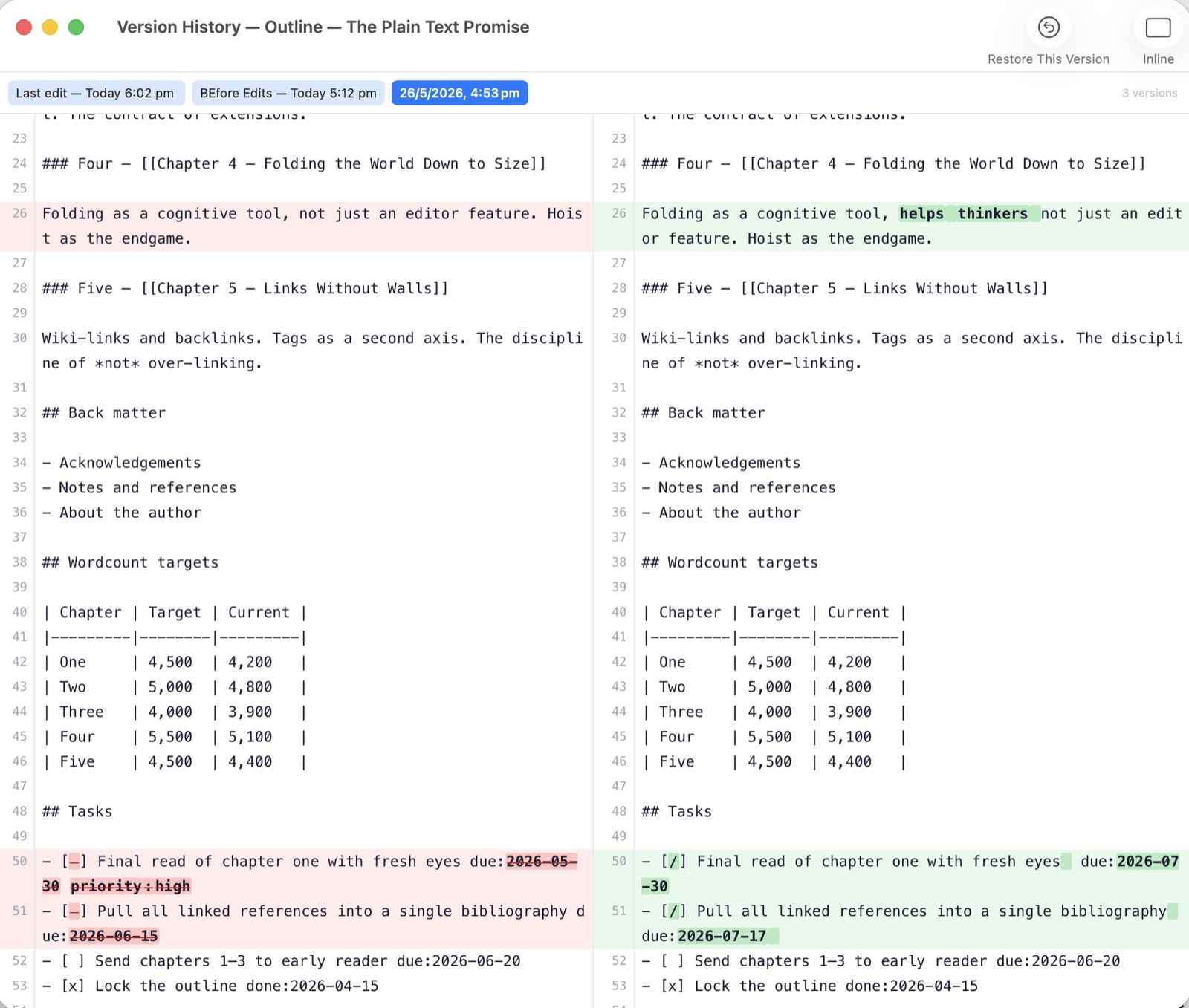
- Open in place. Edit an outline in FoldNotes and it is still a Bike file, with every attribute Bike wrote — due dates, priorities, done stamps, links, attachments — going back exactly as it was. Bike’s own version history includes edits made in FoldNotes.
- Links both ways. A
bike://link opens the row in Bike; a[[link in an outline reaches your notes. Follow a link and the list moves to the right folder. - Every row in one table. A database view pointed at your Bike folder: everything due this week, wherever it lives, filtered, grouped and sorted — made on any device.
- The Bike Board. Every task from every outline on one Kanban board — tick, drag, set attributes, and the outline changes underneath. macOS.
- Search the whole folder, plain text or regular expressions, reading outlines the way you read them.
- In the sidebar, with its subfolders, on Mac, iPhone and iPad alike: open, edit, search, and create outlines in the folder you are looking at, wherever you are.
CLI and MCP
FoldNotes is scriptable and AI-ready.
fncommand-line tool (macOS) — list, search, create, edit, and manage notes and tasks from the terminal. Pipe it into scripts, cron jobs, or shell aliases.- MCP (Model Context Protocol) server — lets AI assistants like Claude read your notes, search your collection, and work with your tasks directly. Your notes become context for AI without leaving your machine.
And More
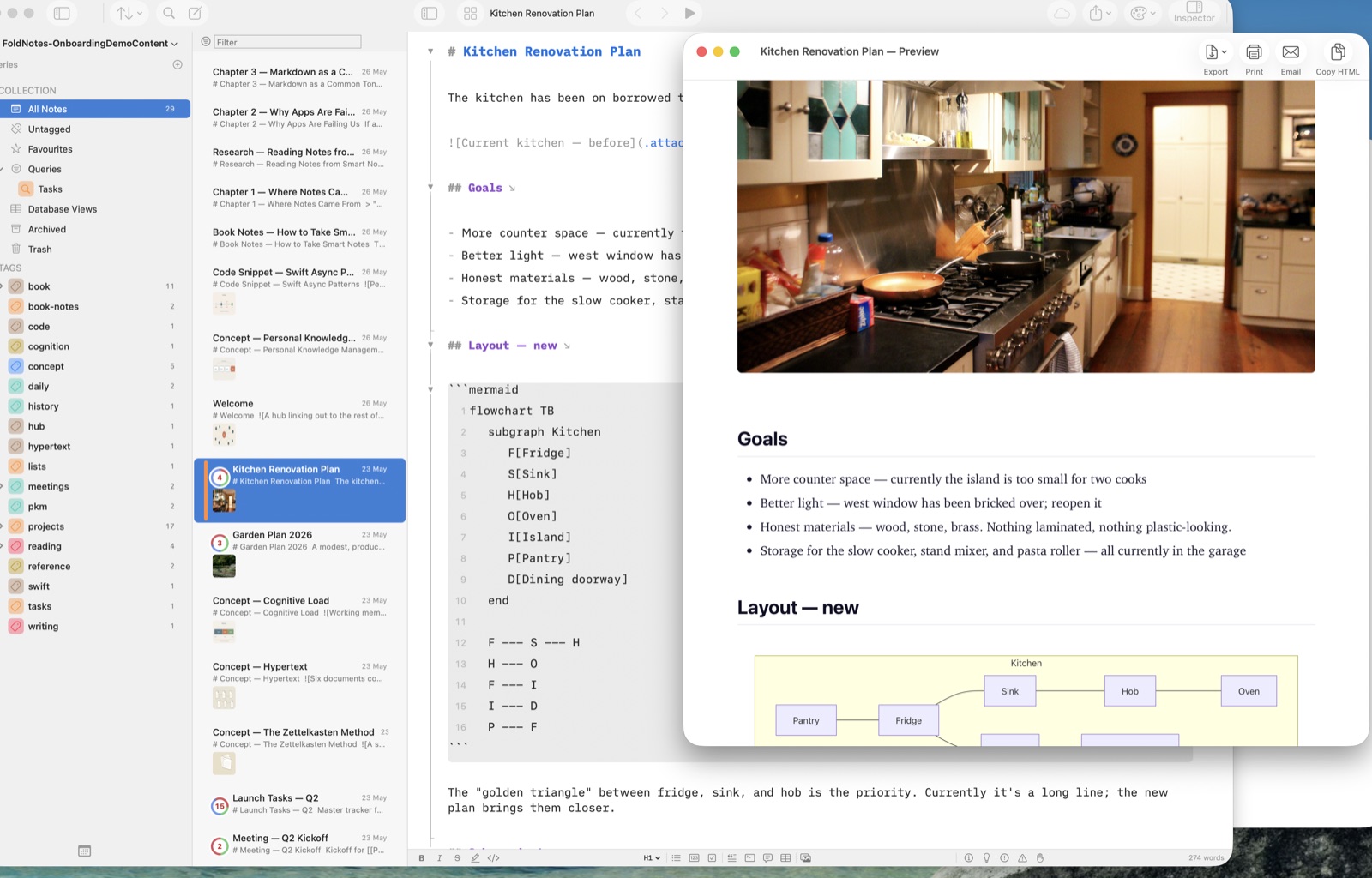
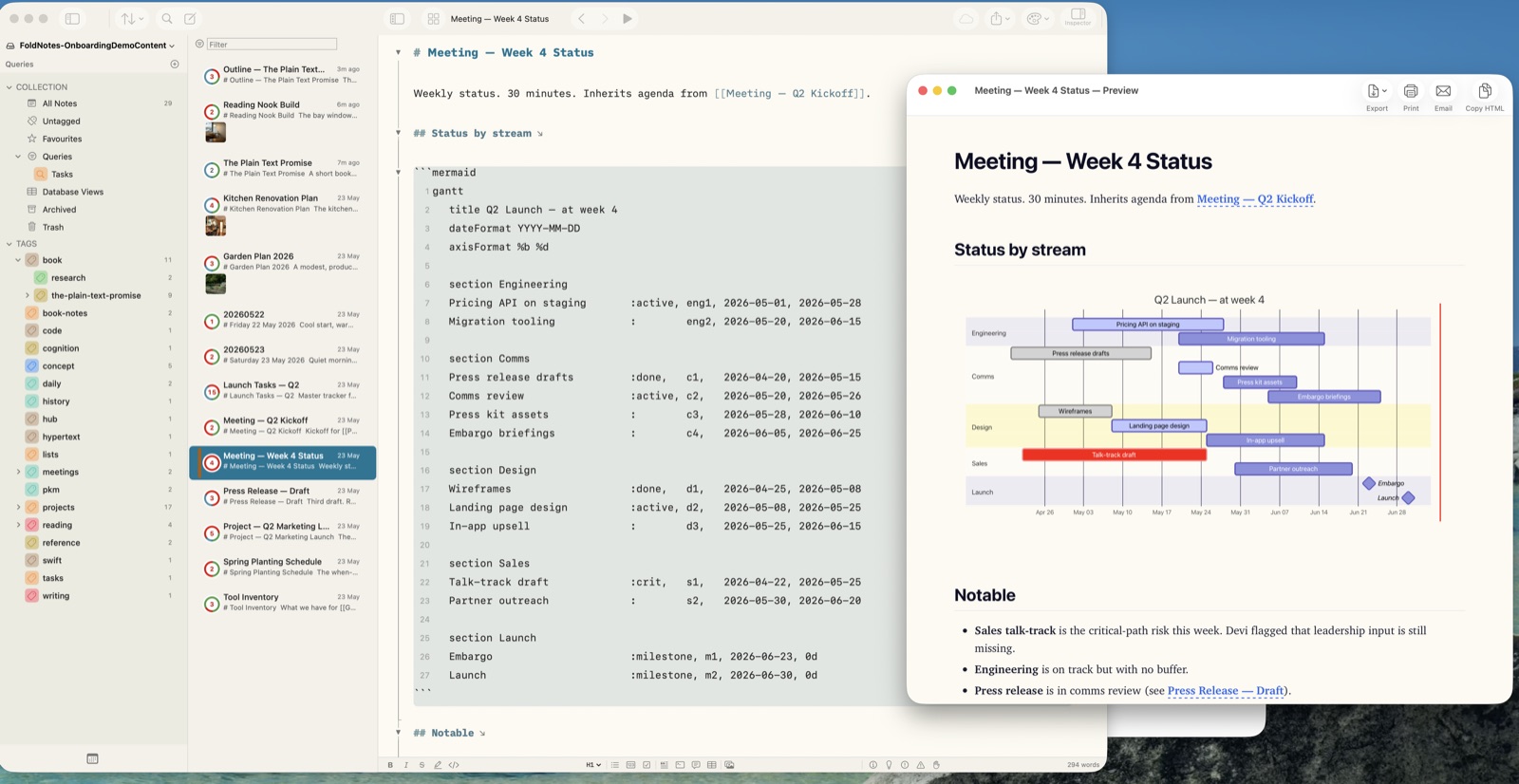
- Markdown preview with live rendering
- Collection graph showing connections between notes
- Custom themes
- Command palette for quick actions
- Keyboard shortcuts for everything
- Template system for new notes
- Image attachments
- Full-text search across your collection
- URL scheme for deep linking from other apps and Shortcuts